Portfolio
dcapps - online image tools
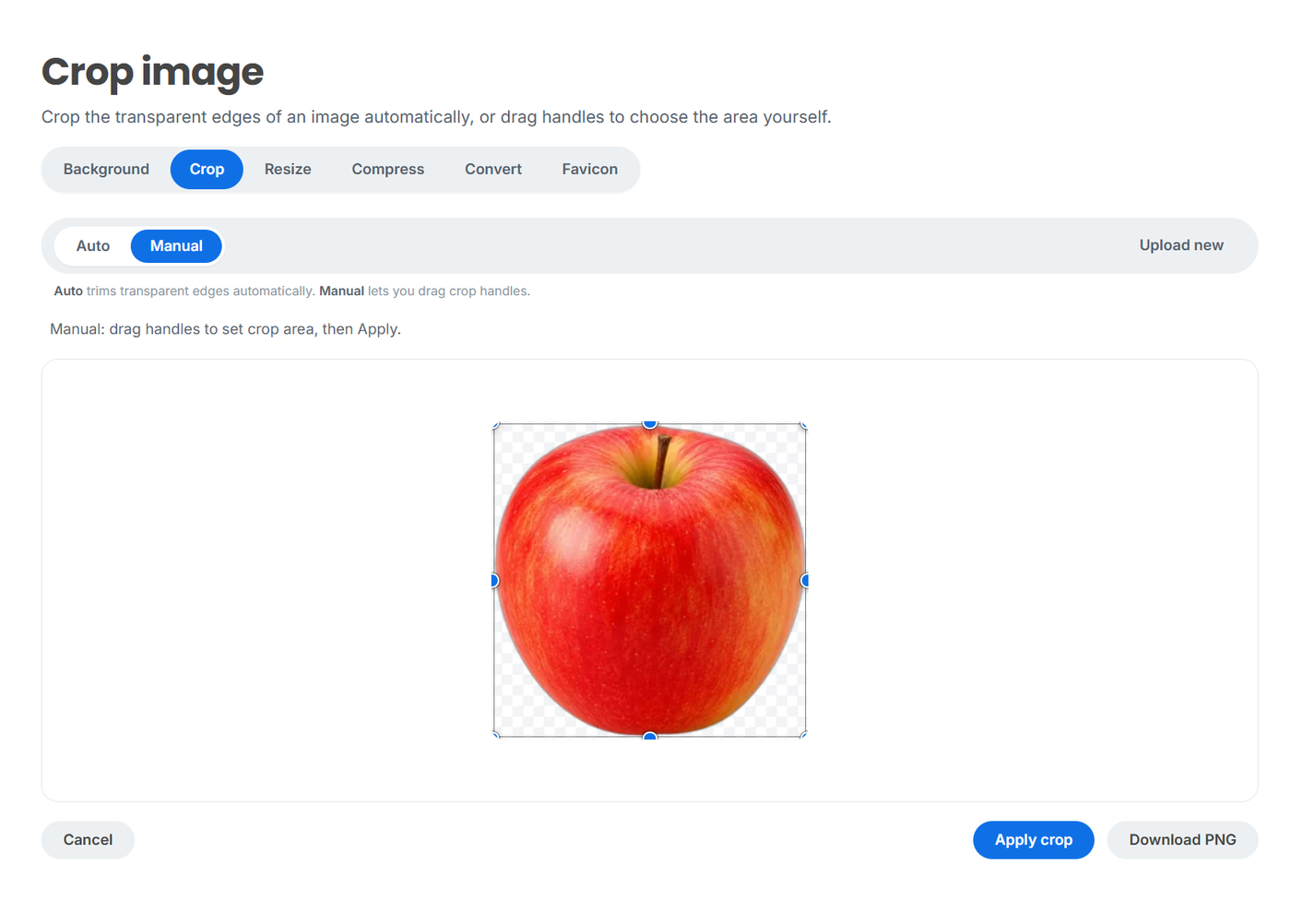
dcapps is an online service that gathers the most common image operations in one place: remove the background, crop empty edges, resize, shrink the file size, convert to another format, make a favicon for a website.
The idea is simple: you upload an image once and switch between the tools you need right in the browser, without re-uploading it at every step.
What it does
- Background removal - keeps only the subject and makes the background transparent
- Cropping - trims transparent edges automatically or crops manually by dragging a frame
- Resizing - fits the image to the width and height you need
- Compression - shrinks the file size with no visible quality loss
- Conversion - switches between formats: PNG, JPG, WEBP and more
- Favicon - turns a regular image into a ready-to-use site icon (favicon.ico)
How the workflow is organized
All tools sit under one top bar. Upload an image once - it's already loaded on every page. Do something in one tool, open another - and you carry on with the same result.
For example: remove the background first, then trim the transparent edges, then compress and save. All in a single browser window.
Extras
- An account with operation history - you can come back to previously processed images
- Support - a built-in ticket system for questions and feedback
- Responsive interface - works on any device, nothing to install