YouTube Dual Subtitles
Watch YouTube with two subtitle tracks at the same time — the original language above and your native one below. AI translation between 10 languages, with a review pass that catches truncations and inconsistencies before they reach your screen.
See it in action
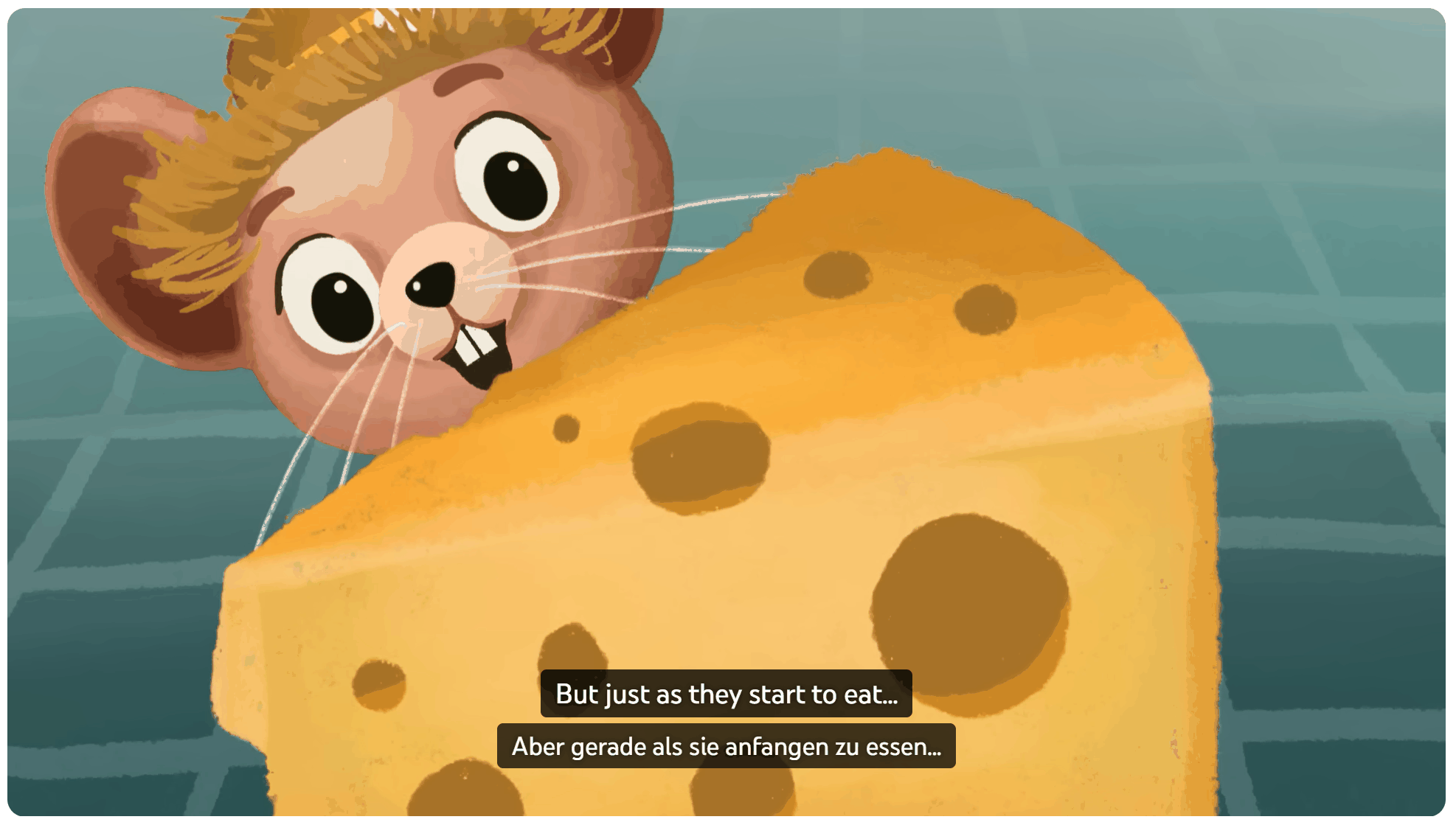
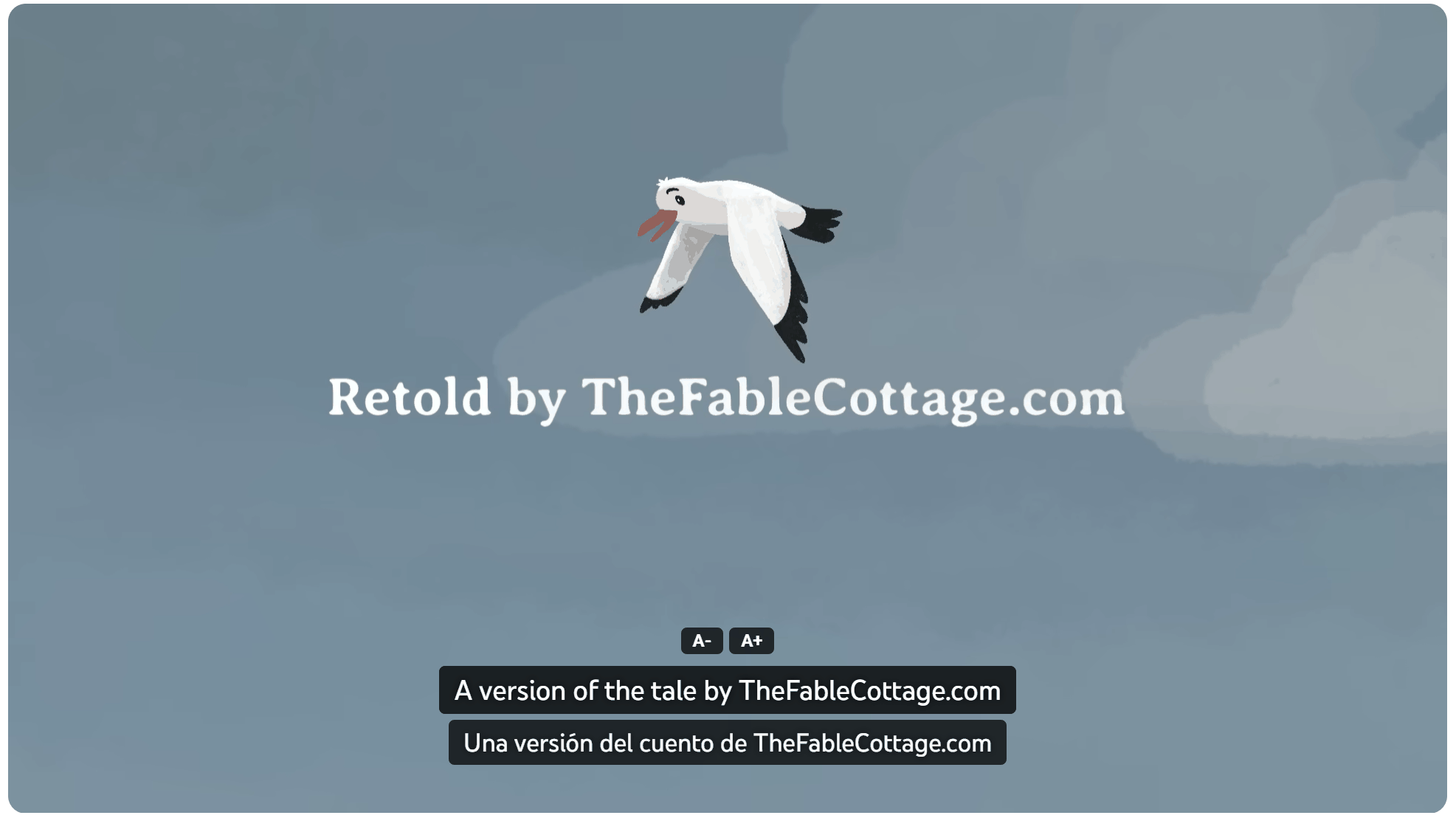
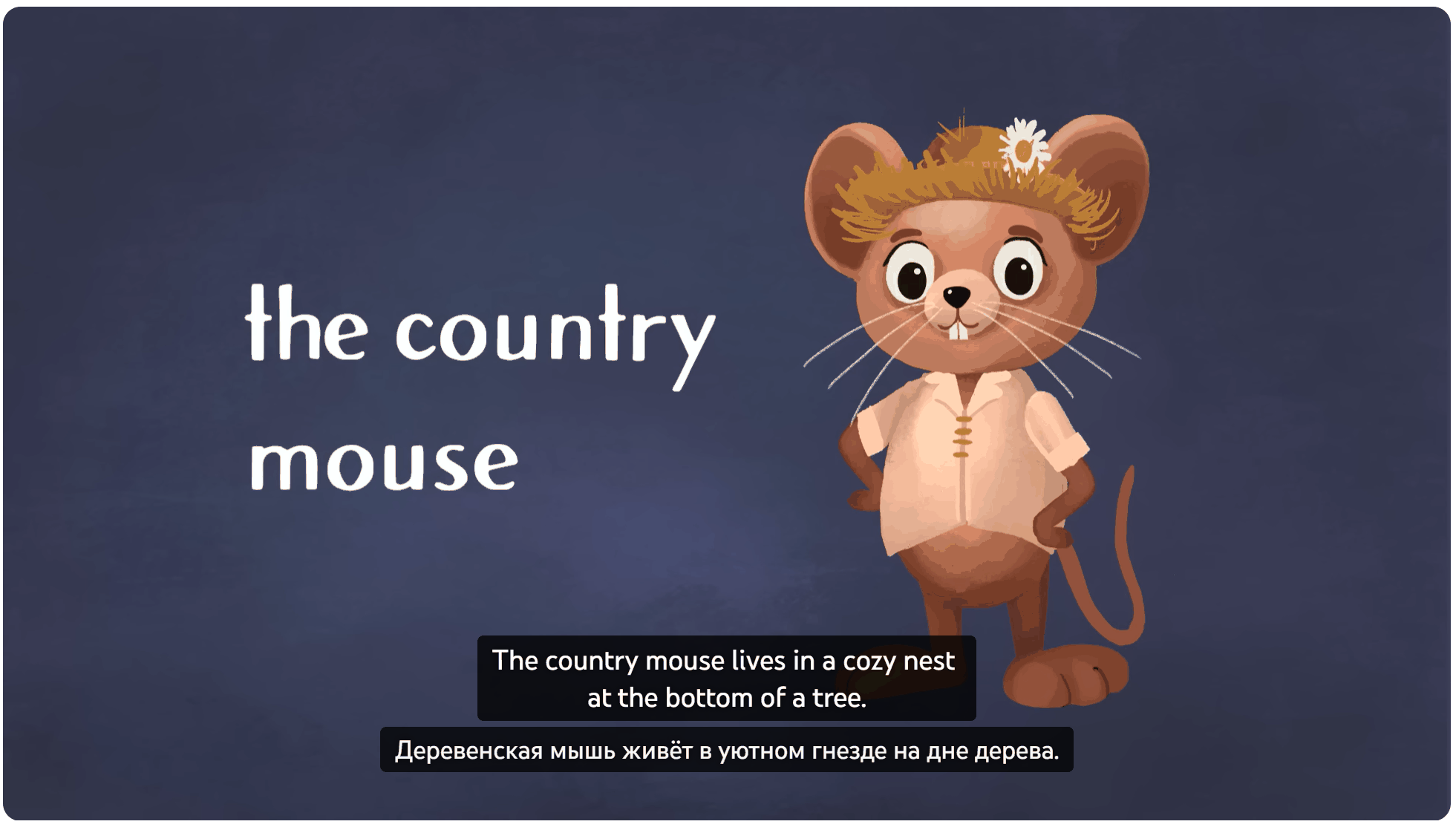
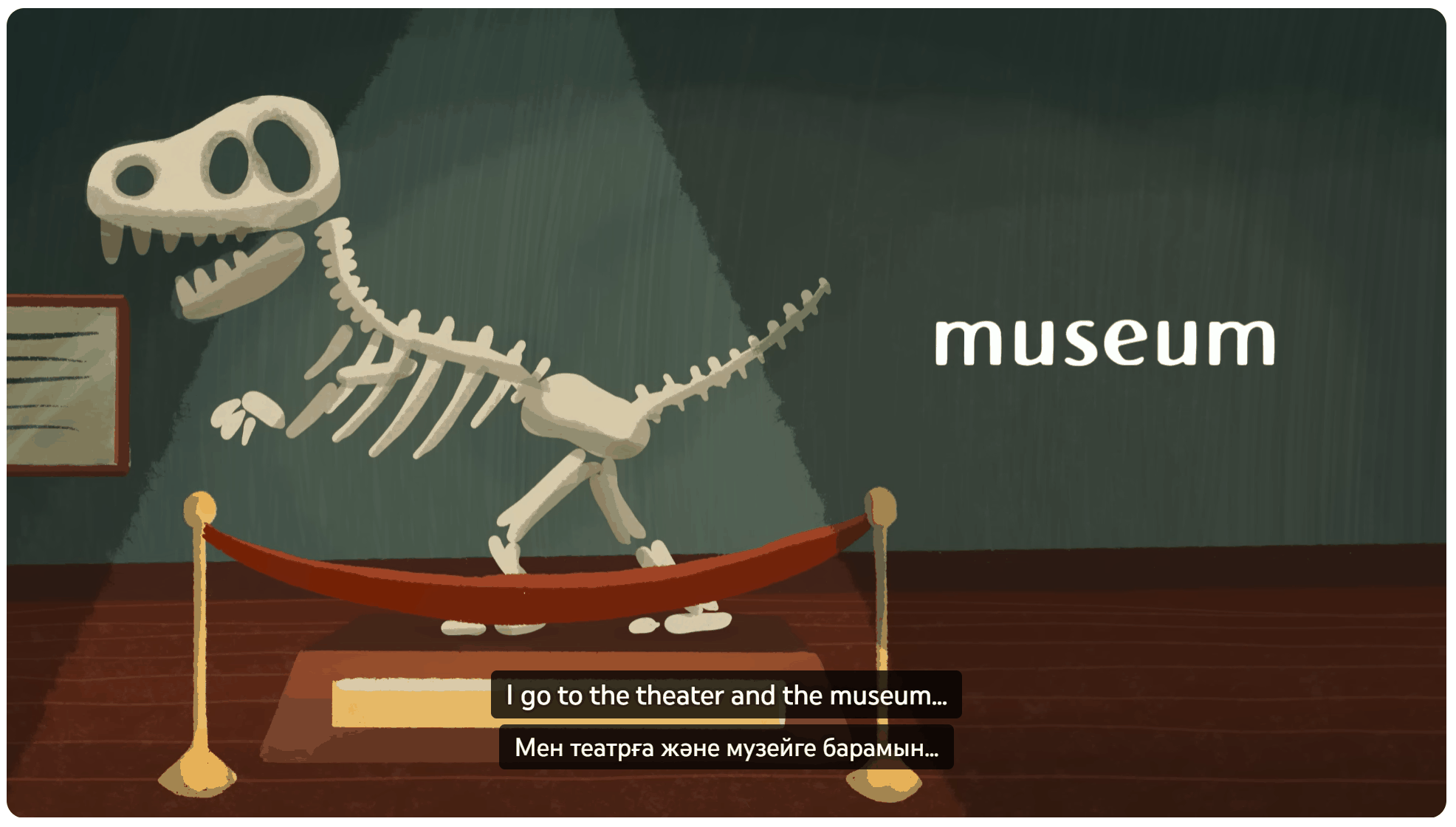
Two languages on screen
Original and your native language side by side over the YouTube player. Great for language learners and for following videos in a language you only half-know.
10 languages, both ways
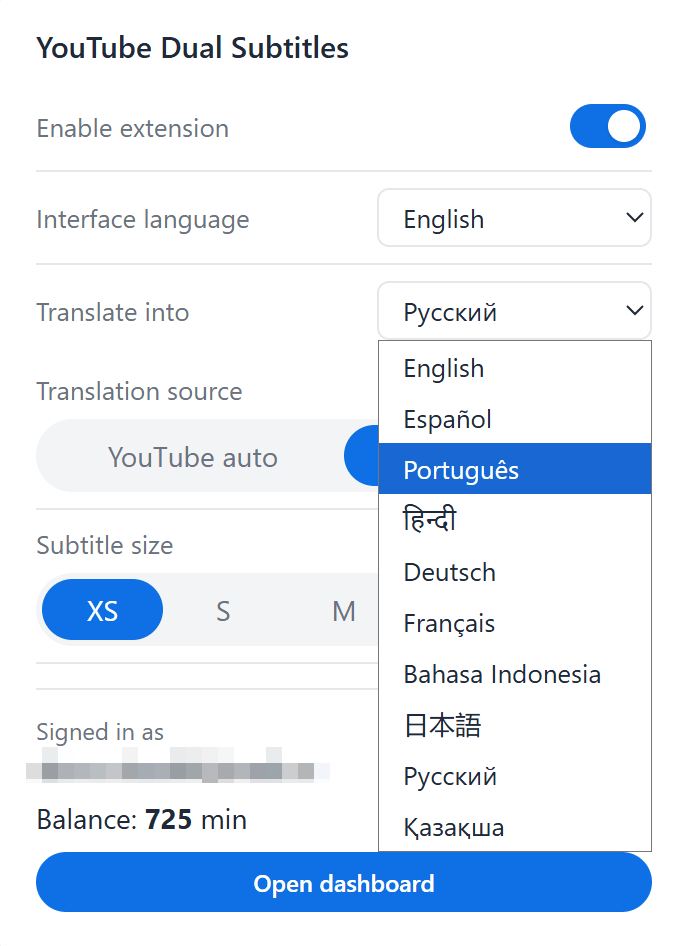
Translates between English, Spanish, Portuguese, Hindi, German, French, Indonesian, Japanese, Russian and Kazakh. Pick any source → any target.
AI translation with a review pass
Each subtitle cue is translated independently for perfect alignment, then a second AI pass reviews the whole video to catch truncations, drift and inconsistent terminology before it reaches you.
15 free hours on sign-up
Sign in with Google in one click, get 15 hours of AI translation credit immediately. Pay-as-you-go after that — about 1–2 ₽ per hour of video.
Works on regular videos and Shorts
Same overlay on /watch and /shorts. Auto-switches with YouTube SPA navigation, syncs with the CC button, hides the native captions while ours show.
Chrome & Yandex Browser
Manifest V3 extension. Settings sync via Google account — install once, watch on any device.
How it works
- Install the extension from the install page (Chrome or Yandex Browser).
- Open the popup, pick your interface language and the language you want translations in (Russian, English, Spanish, Portuguese, Hindi, German, French, Indonesian, Japanese or Kazakh).
- Open any YouTube video or Short — the original subtitle line and the translation appear over the player together.
- For videos that don't have a ready translation, click the “Translate” button on the overlay. Sign in with Google to get 15 free hours of AI translation; after that, top up as needed.
- Translations are cached, so re-watching a video (or any other user on the same video) doesn't spend credits.